
Hi Rick,
Any examples of using hot-keys in the framework or sample apps you can point me to?
TIA

 re: Samples/tools for implementing hot keys
 Rick Strahl
Richard Kaye
Feb 18, 2026 @ 09:55am
Javascript key handlers are pretty straight forward... select your top level element and implement various keyup keydown handlers.
Nothing in the framework - way outside of the scope.
+++ Rick ---
 re: Samples/tools for implementing hot keys
 Richard Kaye
Rick Strahl
Feb 19, 2026 @ 07:30am
Oh, I was pretty sure it's outside the scope of the framework but you do have a lot of js wrappers/helpers in there and I was wondering if I had missed something. Besides, I prefer chatRS to chatGPT or Claude. 😃
re: Samples/tools for implementing hot keys Rick Strahl
Richard Kaye
Feb 19, 2026 @ 08:02pm
Take a look at the message board - I implemented the hotkeys for the toolbar with some key handler library if I recall.
+++ Rick ---
 re: Samples/tools for implementing hot keys
 Richard Kaye
Rick Strahl
Feb 20, 2026 @ 02:40am
Thanks! I'll take a stroll through that.
re: Samples/tools for implementing hot keys Richard Kaye
Rick Strahl
Feb 20, 2026 @ 08:44am
Random notes. Remember no good deed goes unpunished. 😃
Pulled the code. Reading through the fine docs on getting it up and running locally. Found an encoding issue in Configure_IIS_RunAsAdministrator.bat
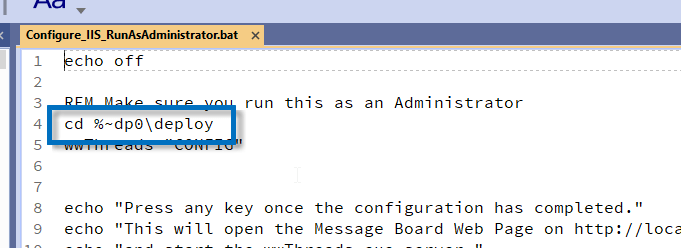
Also Startup_IISExpress.bat:
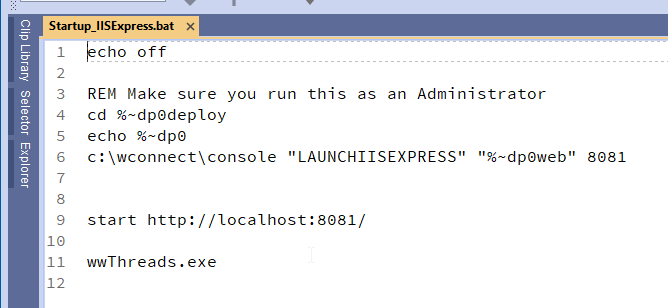
There is no wwthreads.exe or PJX in the repo, by design, so neither of these batch files can be run successfully. Of course, these are auto-generated so all that stuff is in the repo for completeness as opposed to utility.
When I ran wwthreadsmain, I got localhost refused to connect messages. I run full IIS on my dev for all my other WWC projects so have never tried to get things working with the other supported web servers. Gave up on trying to get it working with the other options and got it running under IIS.
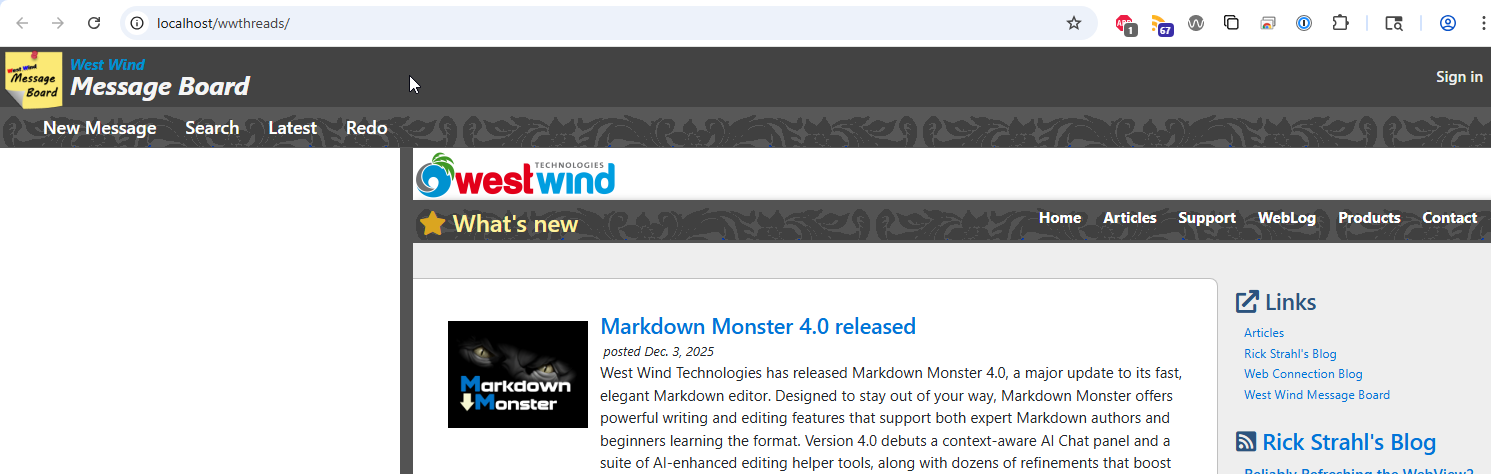
Noticed in the web.config the admin page ref still points to an aspx page? Isn't that superseded by administration.wc?
Now I can get on with seeing what, if any, key handlers you implemented. 😃
re: Samples/tools for implementing hot keys Richard Kaye
Rick Strahl
Feb 20, 2026 @ 08:51am
I think WriteMEssage.js and function toolbarHandler() is the ticket. And I can almost follow it. 😃 Thanks again.
re: Samples/tools for implementing hot keys Rick Strahl
Richard Kaye
Feb 20, 2026 @ 11:55am
Yeah that's not a typo or encoding error - it refers to the current script path in a CMD script/batch file.
This ensures you're referencing relative to the script irrelevant what folder the script was launched from.
The second answer is most concise:
The variable %0 in a batch script is set to the name of the executing batch file.
The ~dp special syntax between the % and the 0 basically says to expand the variable %0 to show the drive letter and path, which gives you the current directory containing the batch file!
+++ Rick ---