

Hi Rick,
Hey! A light just went on! Just took a while (too long, I know...) I re-read the code and saw the
*********************************************************************
FUNCTION TestPage()
************************

IF !THIS.Authenticate("ANY")
   RETURN .F.
ENDIF
Now I know how to call the authentication page, just have to do some work on the pages in the views folder to look like the rest of the site.
I manually installed the User Security Manager into the Security Test Project manually.
Everything appears to have gone well but even after going through the code and the documentation, I don't understand how the various options on the test page require a user login or not.
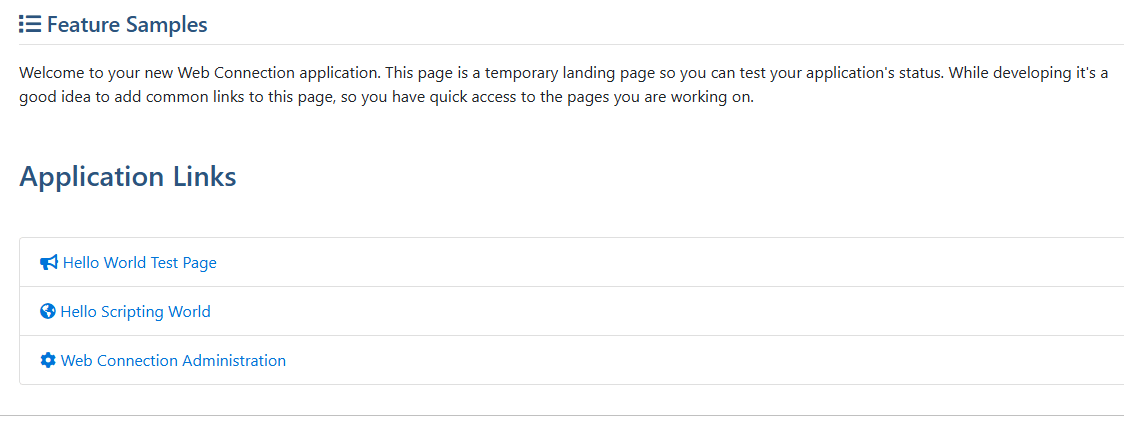 The first link goes to a user-login and password page, the second and third do not.
Where is this controlled?
Thanks again, hope all is well!
The first link goes to a user-login and password page, the second and third do not.
Where is this controlled?
Thanks again, hope all is well!


There are two ways you can authenticate:
- Per Request in the Process method as per above example
- Globally with code that determines which requests are white listed
The former is obvious - you just explicitly add code to each request you want to authenticated. Do this if you only have a few requests that require it (say a few admin tasks in an app that's otherwise open access).
The latter basically handles determination of access in OnProcessInit() by either white or black listing explicit requests.
There's more information about both approaches here (all from the same doc topic):
+++ Rick ---